Test Print Images and Sheets
These test print images are built to show printer faults, not to look pretty. Print the photo to judge skin tones, the gradients to spot banding, fine text for sharpness and line pairs for resolution. Each sheet prints at true size on Letter or A4, and each one comes as a vector PDF.
By Online Printer Test PageLast updated
Test print images
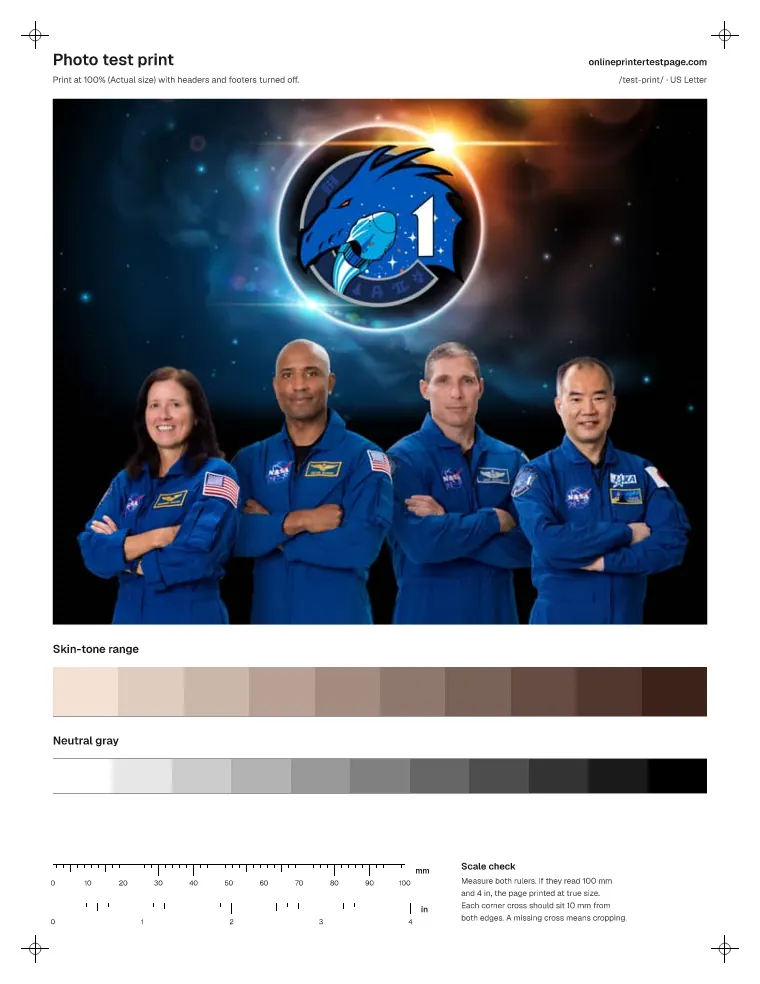
Photo test print
A public-domain NASA crew portrait with a range of natural skin tones, plus skin-tone patches and a neutral gray ramp.
What to look for
- Skin should look natural, not orange, green or gray.
- Smooth areas like cheeks and backgrounds should be free of grain lines.
Heavy ink use
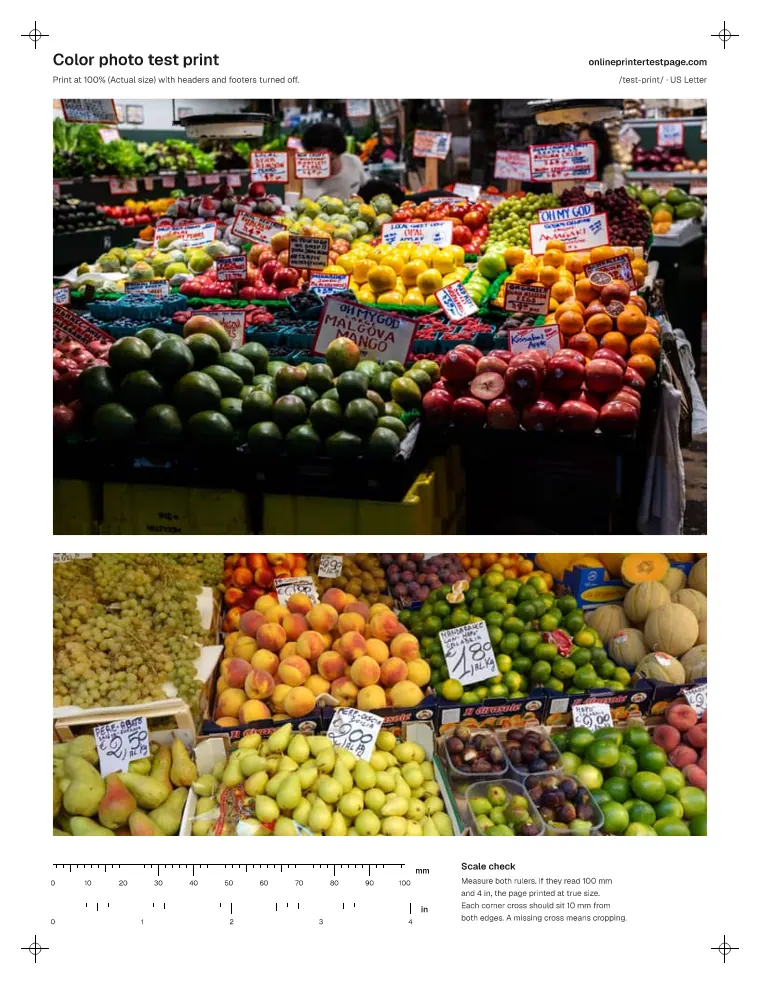
Color photo test print
Two public-domain market photos with saturated fruit colors, white signs, deep shadows and fine texture.
What to look for
- Saturated colors should stay clean without blotches.
- Fine texture should look sharp, not smeared.
Heavy ink use
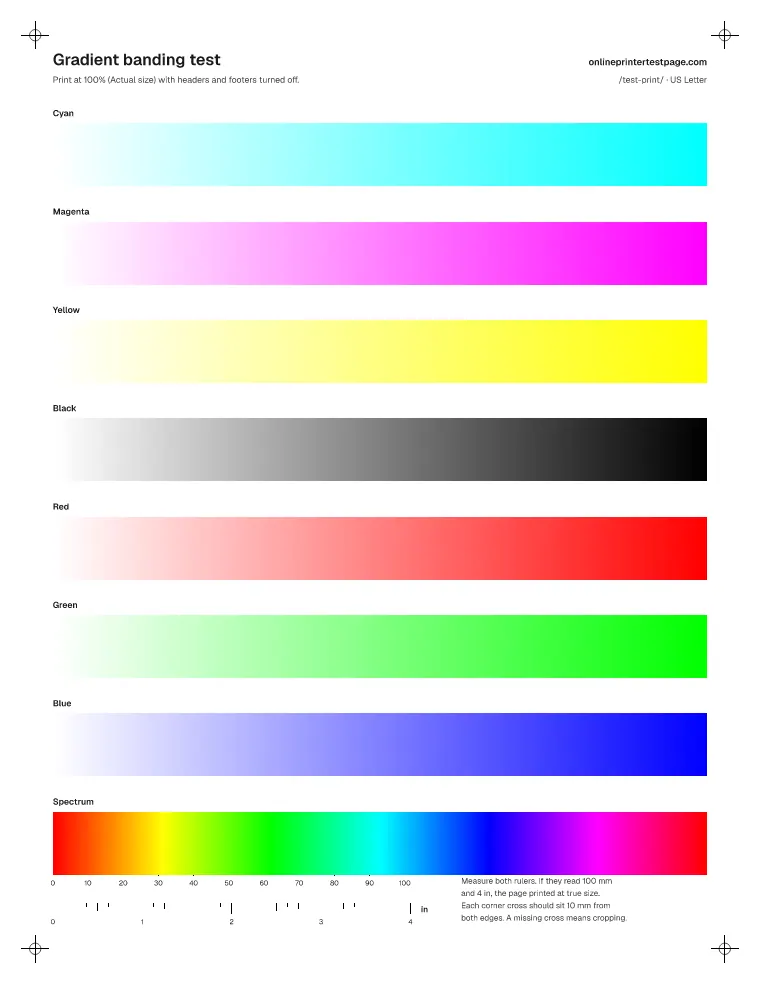
Gradient banding test
Smooth ramps for every ink and a full spectrum. Banding or steps in a ramp show feed or nozzle trouble.
What to look for
- Each ramp should fade smoothly with no hard steps.
- Evenly spaced light lines across every ramp usually come from paper feed. Lines in one color only point to that ink.
Moderate ink use
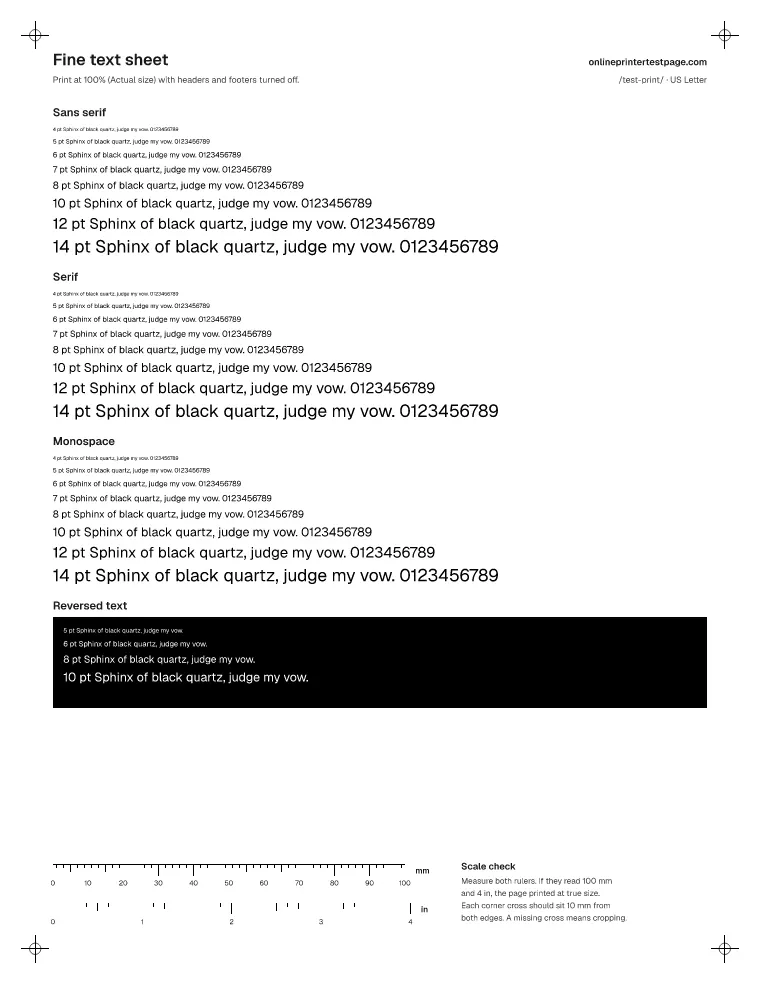
Fine text sheet
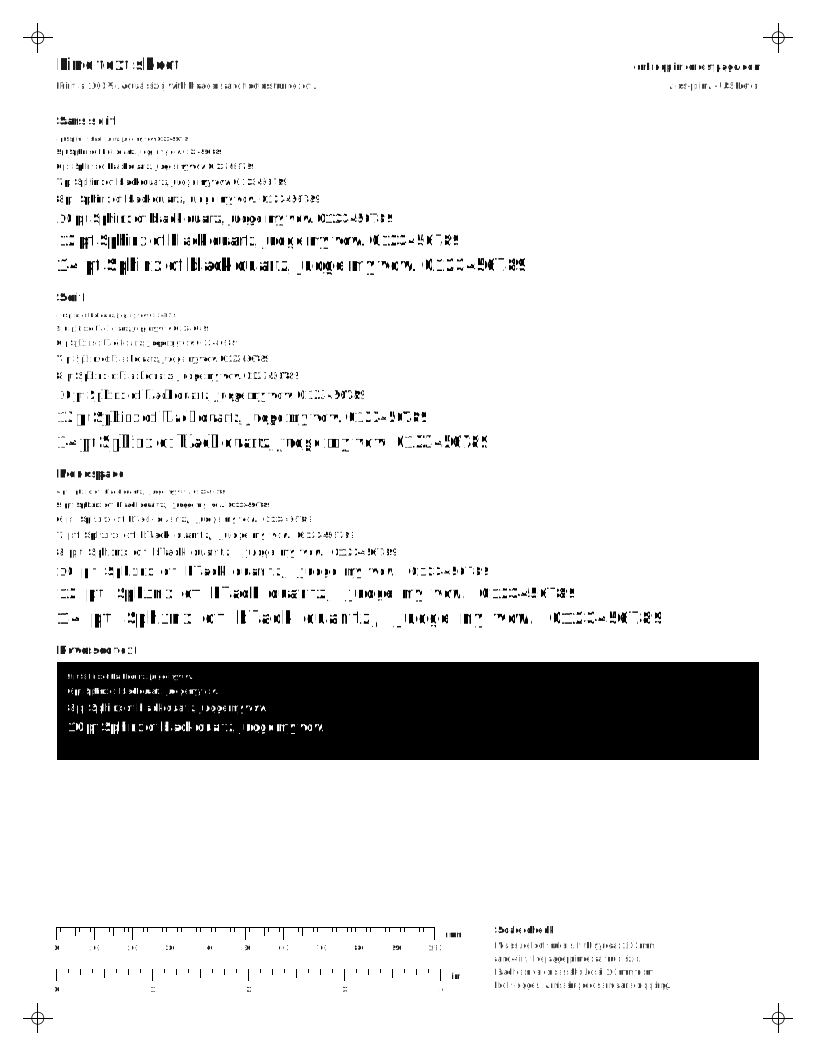
Sans, serif and monospace text from 4 to 14 pt, plus white text on black. Shows sharpness and fill-in.
What to look for
- 4 and 5 pt text should still be readable with a magnifier.
- White text on black should not fill in.
Light ink use
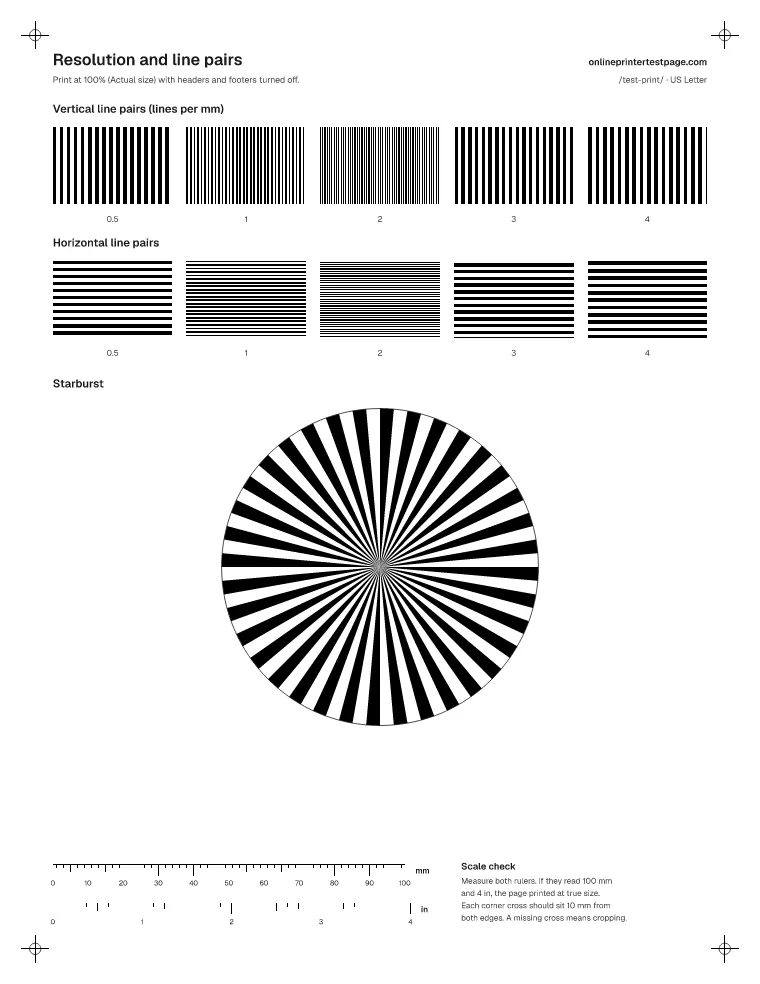
Resolution and line pairs
Line-pair groups from 0.5 to 4 lines per mm in both directions, plus a starburst for resolving detail.
What to look for
- Count the finest group where you can still see separate lines.
- If one direction blurs sooner than the other, check head alignment or paper feed.
Light ink use
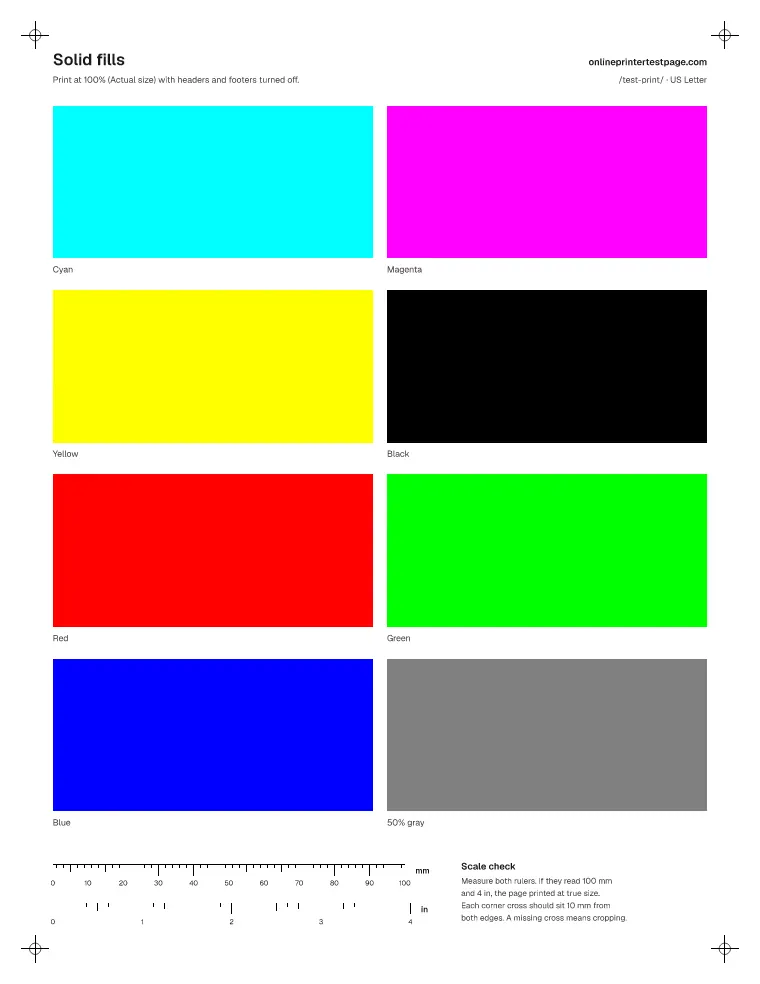
Solid fills
Eight large solid blocks. Banding, streaks and uneven coverage show up clearly on big flat areas.
What to look for
- Each block should be even edge to edge.
- Horizontal white lines point to clogged nozzles. Vertical streaks on a laser printer point to the drum or toner.
Heavy ink use
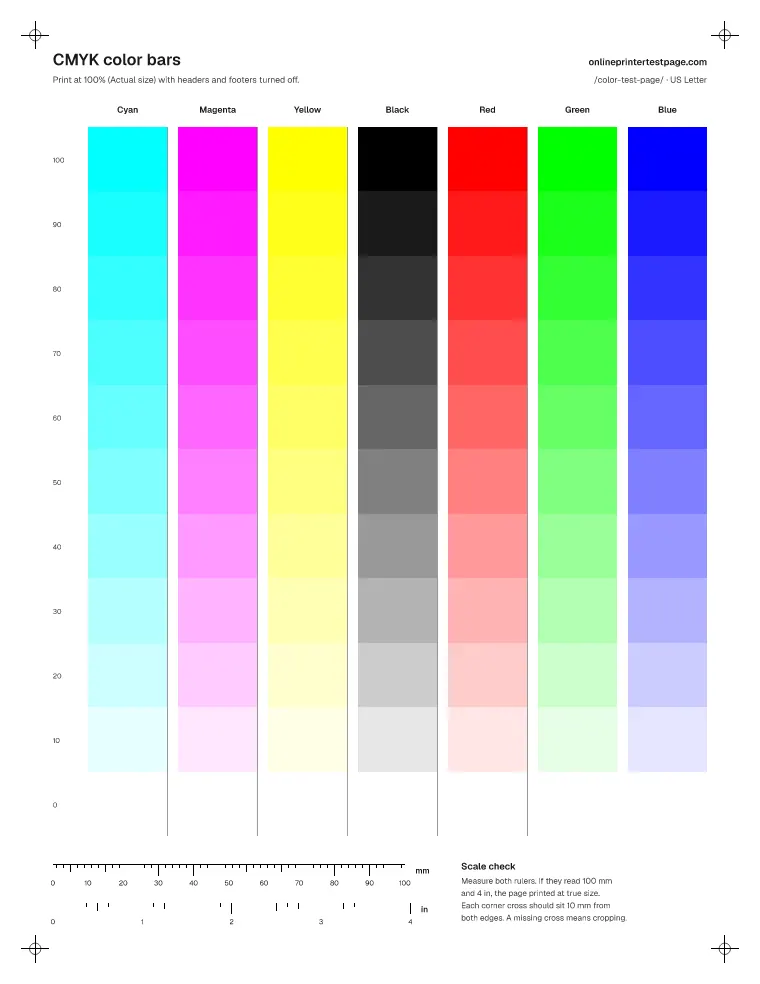
CMYK color bars
One column per ink with 11 coverage steps, plus red, green and blue. Shows which ink is weak at a glance.
What to look for
- Compare the columns side by side. A column that is paler or streakier than the others is the ink to check.
- Each column should fade smoothly to white with no missing steps.
Moderate ink use
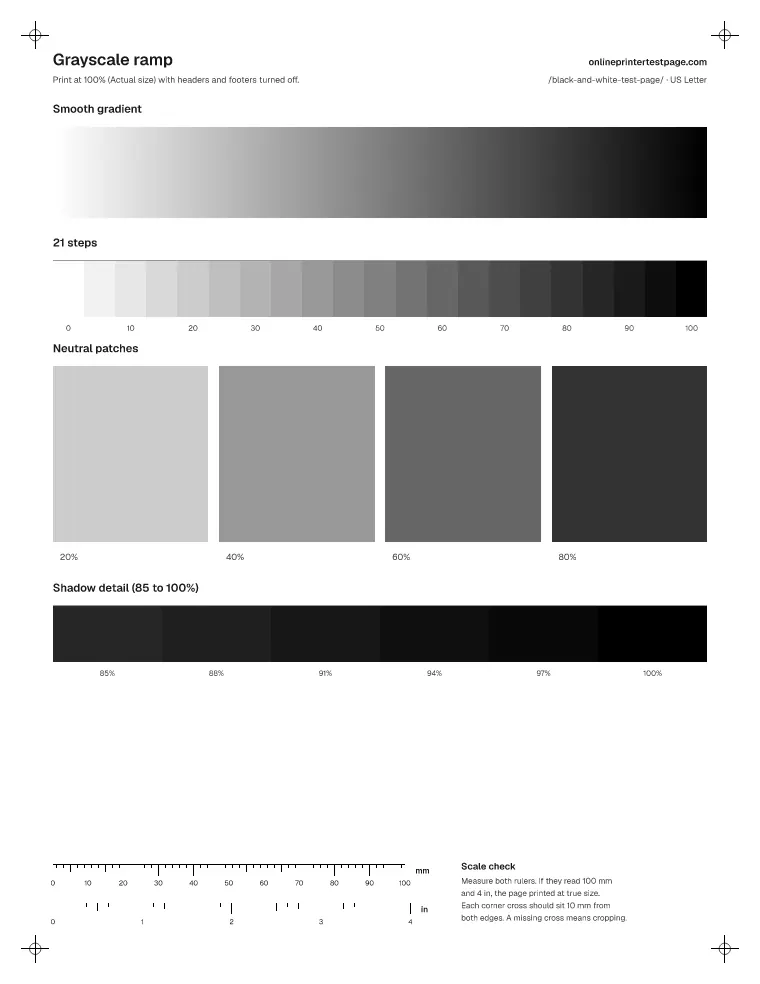
Grayscale ramp
A smooth gray gradient, a 21-step ramp and four large neutral patches for spotting color casts.
What to look for
- The smooth gradient should have no visible bands or jumps.
- Large gray patches should look neutral. Many color printers mix gray from C, M and Y, so a tint here points to an unbalanced ink.
Moderate ink use
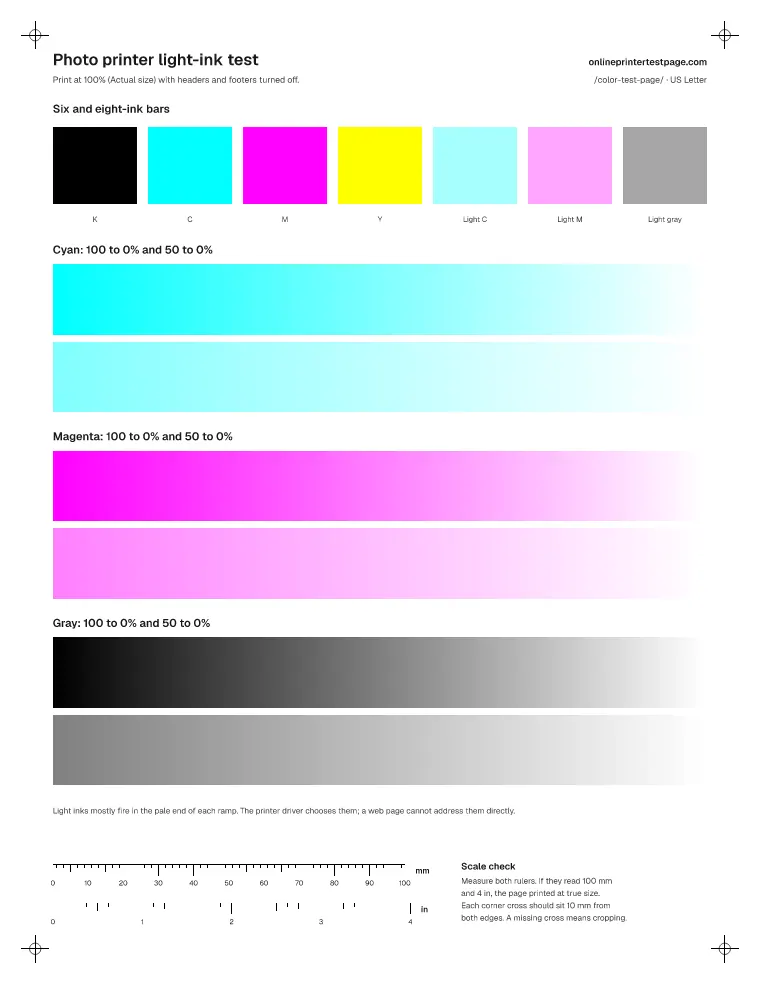
Photo printer light-ink test
Light tints and long ramps where photo printers switch to light cyan, light magenta and gray inks.
What to look for
- Ramps should stay smooth from 50% down to white. Grain, stripes or a sudden jump in the light end points to a light ink.
- Light tint bars should be clean and even. Your driver decides which ink prints them; look for gaps rather than exact color.
Moderate ink use
What is a test print?
A test print is a page you print to check the printer rather than to keep. A good one has known content, so any difference between what should be there and what came out is the printer’s doing. That is why these sheets use plain color patches, measured line widths and labelled sizes instead of a random photo from a stock library.
Every sheet also carries a 100 mm and a 4 inch ruler plus a cross 10 mm in from each corner. If the rulers measure short, the page was scaled down by the print dialog; the print size checker tells you the exact percentage and why. If a corner cross is missing, part of the page was cut off.
How do I print a test print PDF?
- Pick your paper size above, then choose PDF under the sheet you want.
- Open the file and choose Print. Set scale to 100% or Actual size, not “Fit”.
- Set the paper type to what is in the tray, for example plain paper or glossy photo paper.
- For photo sheets, let the print dry for a few minutes before judging the color.
Using a phone? Print now and Download PDF both work from mobile browsers. If your phone shows a preview, check that it is not shrinking the page.
How do I judge a photo test print?
Look at faces first. Skin should look natural in daylight, without an orange, green or gray tint. Then compare the gray ramp under the photo. If the ramp has the same tint as the skin, the printer’s color balance is off. If the ramp looks neutral but skin does not, the photo settings or paper type are the likely cause.
The fruit-market photos test saturated reds, oranges and greens next to white price cards and dark shadows. Blotchy color, smeared texture or detail lost in the shadows all point to ink or paper problems that a plain test page would miss.
Which sheet is a printer ink test?
The CMYK color bars sheet is the quickest ink test: one column per ink, side by side, from solid down to 10%. A column that is paler, streaky or missing is the ink to look at. For a single color, use the single-color test pages, which spend only that ink.
Questions people ask
What is the best image for a test print?
One that contains what your printer finds hardest: skin tones, smooth gradients, deep shadows, fine text and large solid areas. No single photo has all of that, which is why the gallery splits them into separate sheets.
Should I print a test photo on photo paper?
Print it on the paper you plan to use, and pick the matching paper type in the print dialog. The printer changes how much ink it lays down based on that setting, so plain paper set to glossy, or the reverse, will look wrong even on a healthy printer.
Which test print uses the least ink?
The fine text sheet and the line pairs sheet use very little ink. The solid fills and photo sheets use the most, so save those for when you need to judge color or banding.
Can I use these test images for my own printer reviews?
The patterns are free to print and share. The photos are public domain or CC0, with sources listed at the bottom of this page, so you can reuse them too. Please link back if you share the sheets.
Photo sources
All photos are public domain or CC0. Their use here does not imply endorsement by the photographers or by anyone shown.
- SpaceX Crew-1 Commercial Crew Portrait. NASA / Norah Moran (NASA Johnson Space Center), NASA photo ID jsc2020e032979. Public domain (work of the U.S. federal government, NASA; Commons template PD-USGov-NASA).
- Fruits for Sale in Pike Place Market, Seattle, Washington, 2025. Julian Lupyan (Wikimedia Commons user, own work). CC0 1.0.
- Fruit market in Genoa, Italy - DSC01268. Daderot (Wikimedia Commons user, own work). CC0 1.0.
The NASA crew portrait includes NASA and JAXA insignia, which are shown only as part of the original photo. Neither agency is connected with this site.