Most likely
The printer works; the problem is on the computer side
If the printer’s own page prints but jobs from your computer come out blank, the driver, the app or the file is sending an empty page.
What to do
- Try printing the same file from a different app, such as a browser or PDF viewer.
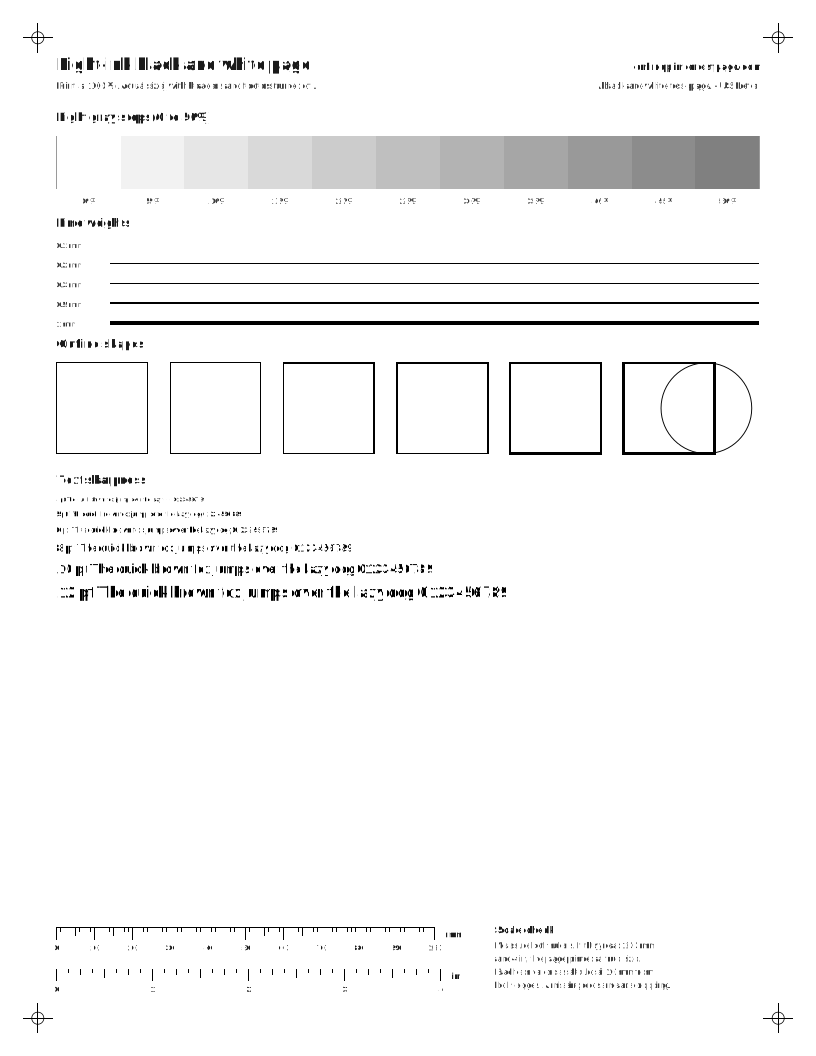
- Print our black and white test page from this site.
- If that prints but your file does not, the file or app is the issue. If nothing from the computer prints, reinstall the driver.
Then reprint: Light-ink black and white page